DOO KLOTSKI · SLIDING BLOCK PUZZLE
A little space.
A thoughtful move.
A little logic. A little patience.
Find your way, one move at a time.
Doo Klotski
A classic sliding block puzzle
For iPhone and iPad
SIMPLE RULES. ROOM TO THINK.
Make room
for a new idea.
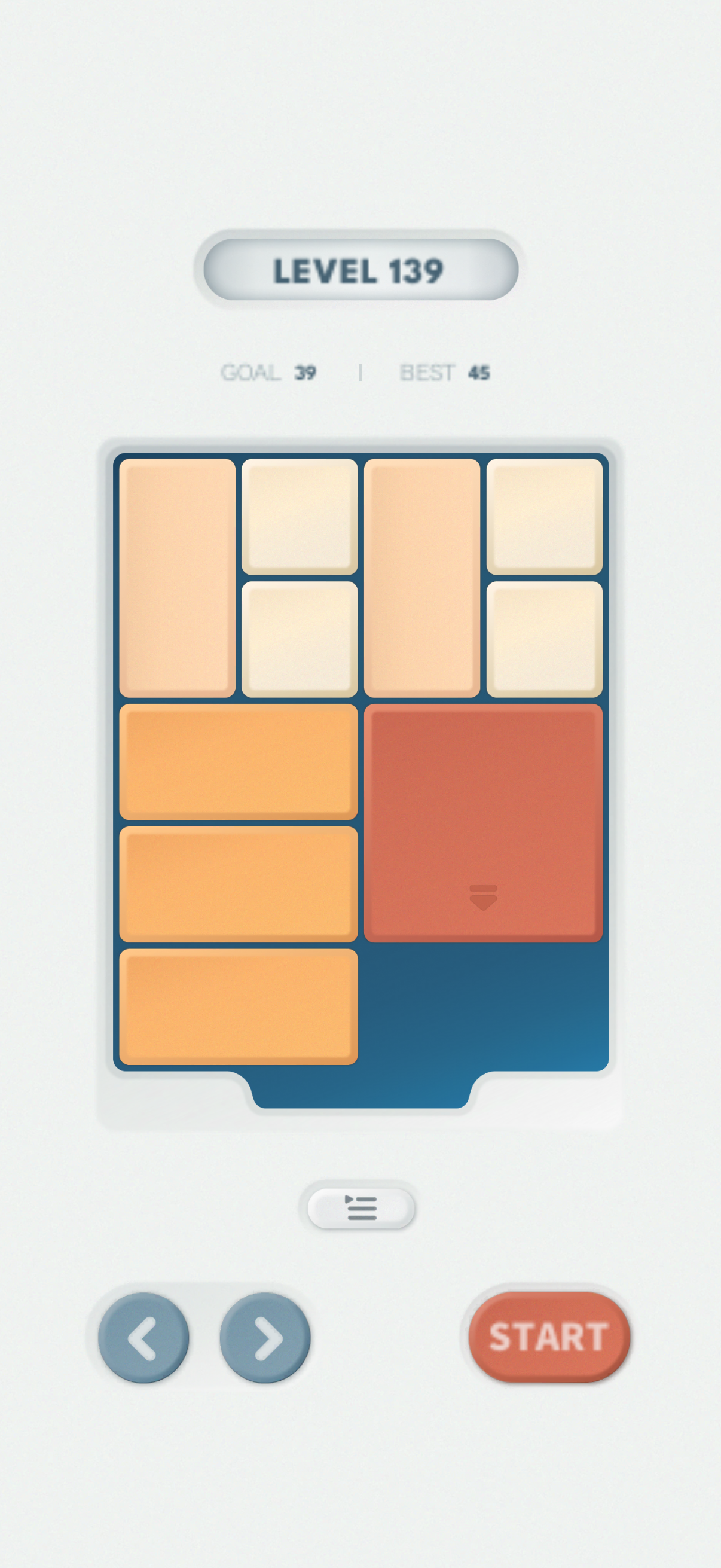
Slide the blocks to clear a path for the largest piece. A small board can hold a surprisingly satisfying challenge.
- 01
Slide, don't remove
Move blocks up, down, left, or right within the board. Use the empty spaces to rearrange them.
- 02
Find the way out
Guide the largest block to the exit at the bottom center to complete the puzzle.
- 03
Try a fresh perspective
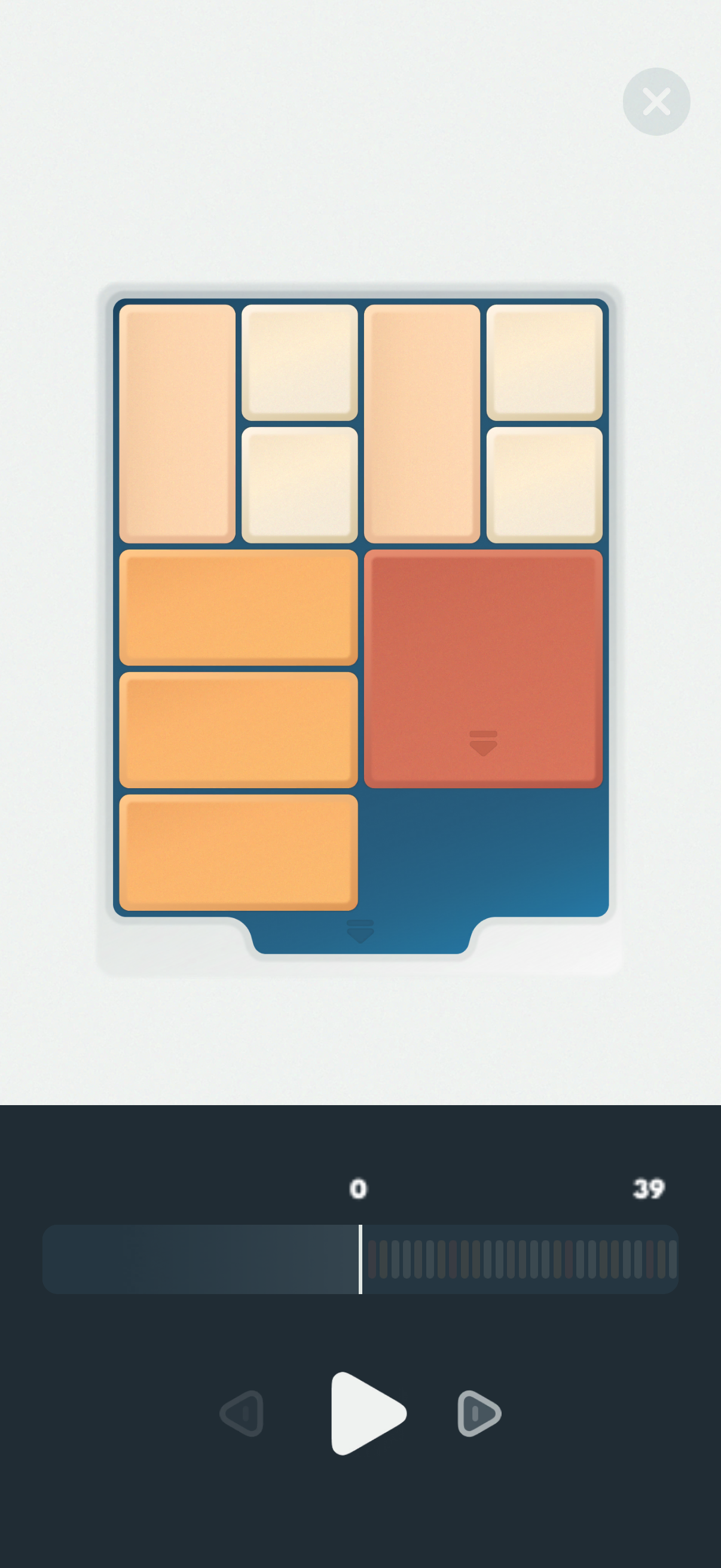
Use a lightbulb to view a step-by-step solution, then return to find your own way.
EXPLORE. PLAY. FIND YOUR WAY.
A new puzzle.
A fresh perspective.
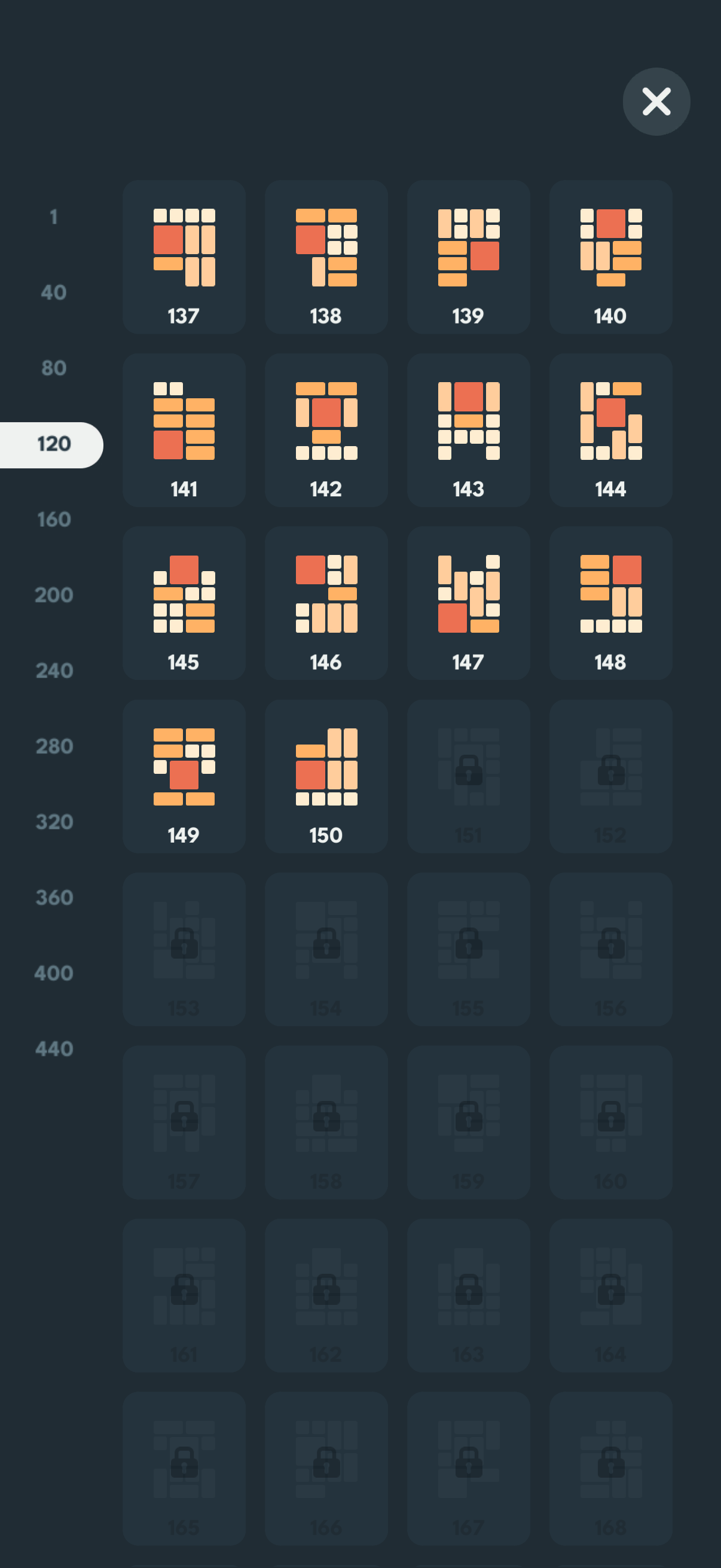
Browse the levels and choose your next challenge. When you get stuck, explore the solution one move at a time.
Level selection and solutions · Actual app screensDOO KLOTSKI 2.0 · HELP & SUPPORT
Common questions
How do I play, and how many puzzles are there?
There are 480 puzzles. Slide blocks within the board without removing them or moving through other blocks. Clear a path for the largest block to reach the exit at the bottom center.
Can I play and use existing lightbulbs offline?
Yes. In native version 2.0, puzzle play and spending free lightbulbs already on this device work offline. Free lightbulbs stay on this device. The game’s iCloud saves do not back up that balance, and cloud saves or Restore purchases cannot recover it after changing devices or reinstalling.
How do lightbulbs and hints work?
A completed rewarded ad earns 1 lightbulb after the app receives a valid reward callback and saves the reward. Without Unlimited Bulbs, each time you open a full solution you use 1 lightbulb. You can then step through or play the solution. Verified lifetime ownership does not spend free lightbulbs.
Is Unlimited Bulbs a subscription?
No. It is a one-time purchase for unlimited full solutions, at the price shown by the App Store. Once verified on this device, it works offline. Refunded or revoked ownership is no longer valid. The current Shop does not sell 10-hint or 30-hint packs.
How do I restore a lifetime purchase?
Connect to the internet using the App Store account that made the purchase, then tap “Restore purchases” under Settings > Support or at the bottom of Shop. Your App Store account and iCloud saves account serve different purposes. If no purchase is found or verification is unavailable, check the account and retry, or contact the developer. Restoration does not recover free lightbulbs.
Where is progress saved and what does iCloud sync?
Progress and the current board are saved locally. Turn on iCloud saves in Settings and confirm the merge to automatically sync the highest unlocked level, completion status and best move counts across devices using the same iCloud account. Free lightbulbs, the current board, undo history and settings are not synced. Merging keeps the furthest progress and lowest best move counts.
What if cloud saves are waiting, fail or run out of space?
Check your connection, iCloud sign-in and available storage. Keep the data on the original device and follow the on-screen retry instructions. Only successfully synced data can be restored elsewhere. Turning off automatic sync keeps existing cloud saves. Deleting the app does not delete iCloud data and is not recommended for troubleshooting sync.
What if an ad fails to load or a reward is missing?
Ads and required privacy services need a connection and depend on service availability and privacy status. Check your connection and try later. Opening the ad entry or a failed load does not earn a reward. If a completed ad still has no reward, keep your app data and contact the developer with the time and message shown.
Where can I manage advertising privacy?
When a privacy options entry is required, “Advertising privacy choices” in Settings reopens Google’s options. Manage Apple’s tracking permission in iOS Settings → Privacy & Security → Tracking. Refusing personalized ads or tracking does not affect puzzle play. Ads are subject to availability. The privacy policy is linked in Settings and the Shop.
How do I contact the developer?
Email doodic.works@gmail.com with your device model, OS version, app version, the time and a description of the issue. Hide personal information in screenshots. Do not send your Apple Account password or full payment details.
Need more help?
Include your device model, OS version, app version and issue description. Email: doodic.works@gmail.com.